ELK Tools Converter turns raw mesh STL files into structured STEP solids with real flat-face BRep geometry. Built for engineers, makers, and 3D printing professionals.
From raw STL meshes to production-ready STEP files — with real geometry, not just wrapped triangles.
Convert mesh STL files to proper STEP solids. Flat faces are detected and rebuilt as true BRep planar surfaces — not just tessellated triangles.
Coplanar triangles are automatically merged into single ADVANCED_FACE entities. Your flat walls, floors, and surfaces come out as clean planes.
Inspect your converted model in the built-in interactive 3D viewer before saving. Rotate, zoom, and pan to verify the output matches your design.
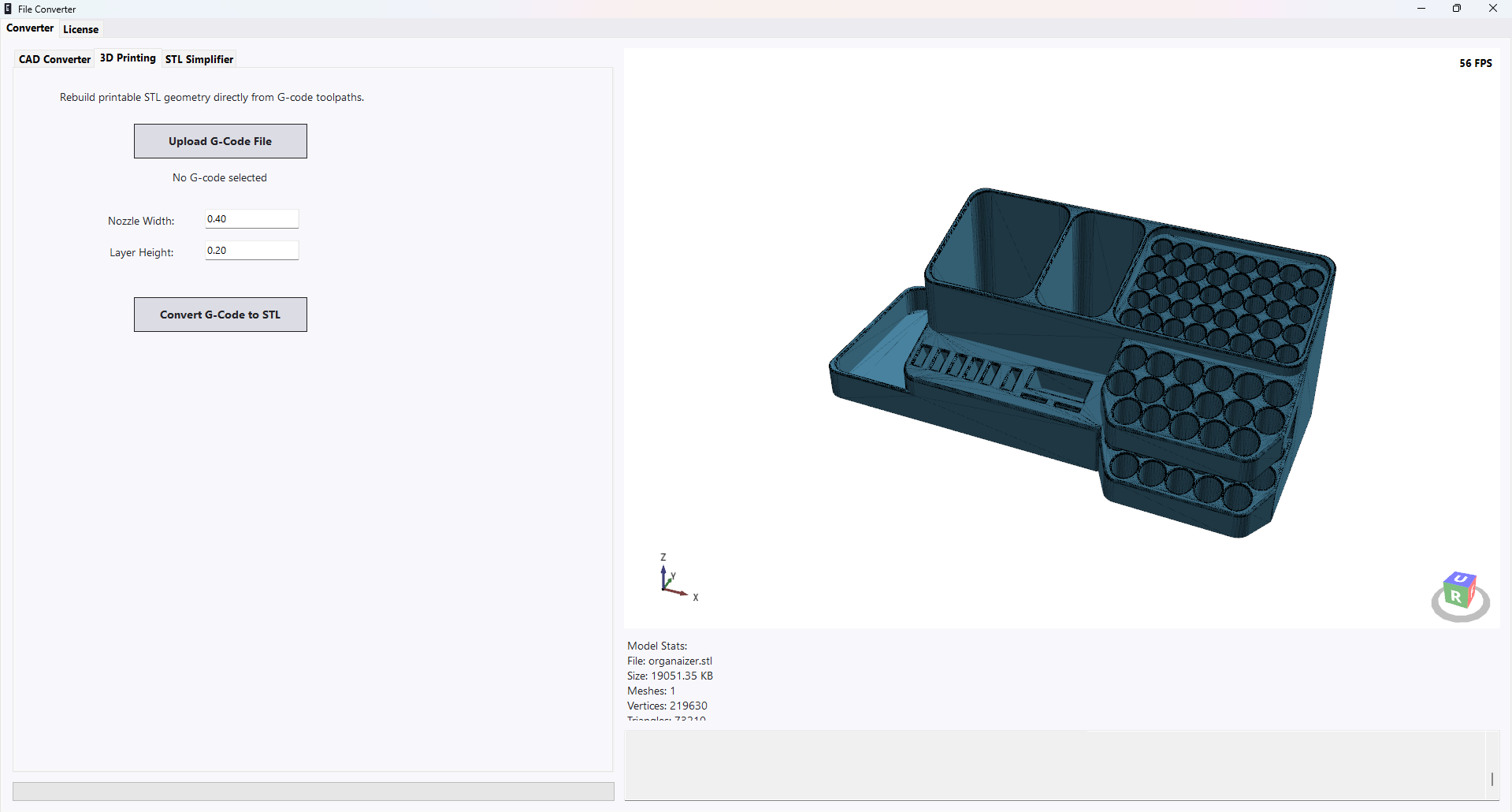
Reconstruct printable STL geometry directly from G-code toolpaths. Recover printable models from sliced files without the original mesh.
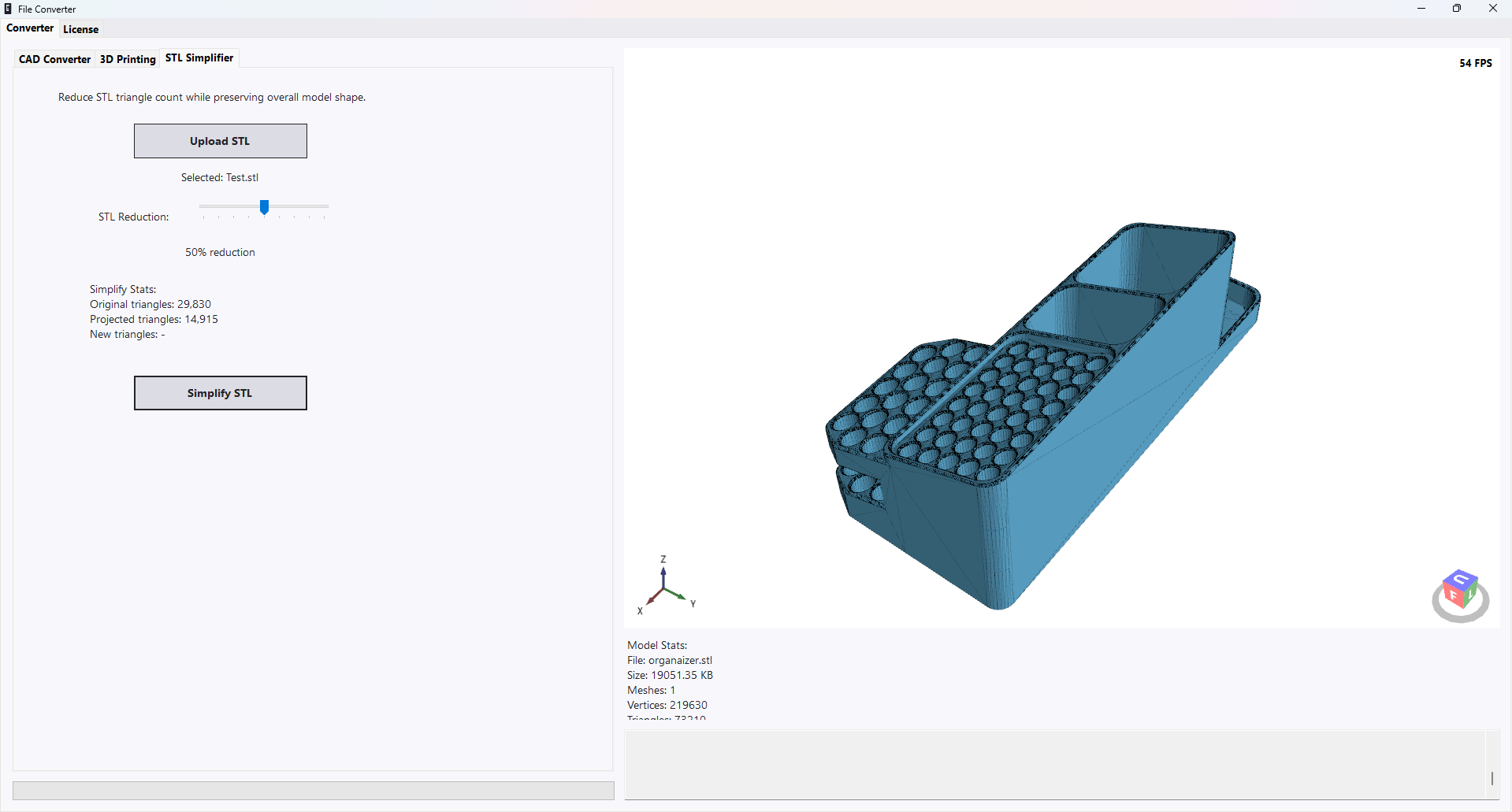
Reduce triangle count while preserving overall model shape. Optimize STL files for faster slicing, smaller file sizes, or web display.
One-time purchase, tied to your machine. No subscriptions, no cloud accounts, no telemetry. Your license works offline, forever.
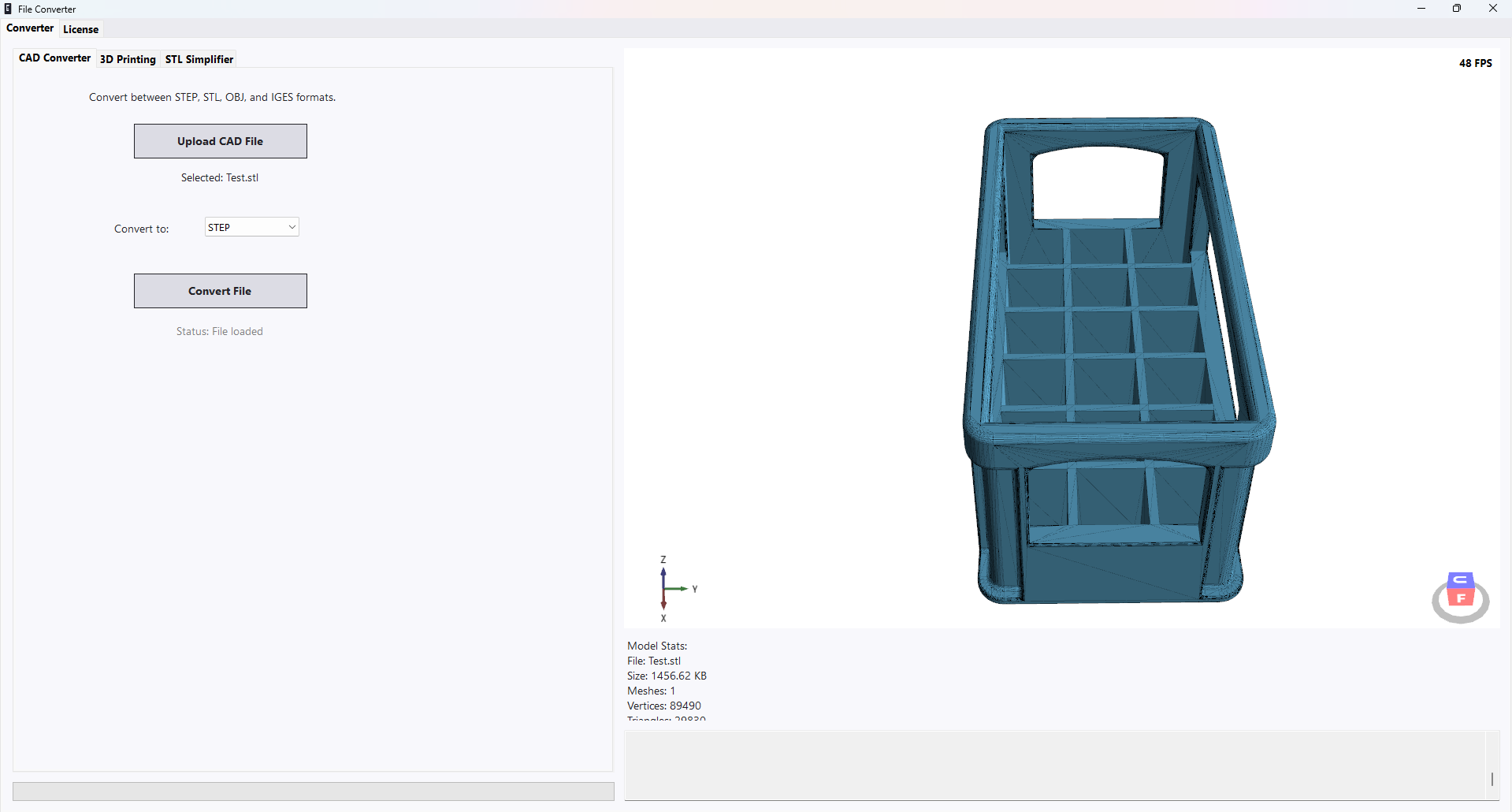
No CAD knowledge required. Upload your STL, pick a format, and convert.
Open any STL file from your 3D printer slicer, scanner, or CAD software. The built-in viewer shows you exactly what you're working with.
Select STEP, OBJ, STL, or IGES. ELK Tools automatically detects flat surfaces and rebuilds them as proper BRep geometry in the output.
Inspect the converted result in the 3D viewer — what you see is what gets saved. Export to your chosen format and open in any CAD application.
A clean, modern interface designed for precision work.
Upload, configure, and convert with a single click
Interactive viewer — see the converted result before saving
One price. One time. No subscription, no renewal, no hidden fees.
One-time payment · Lifetime access
ELK Tools was created out of frustration with expensive, bloated CAD software that does too much and is too hard to use. We wanted a single tool that does one thing extremely well — convert mesh files into real CAD geometry.
Whether you're a hobbyist converting prints for machining, an engineer cleaning up scan data, or a designer bridging the gap between 3D printing and professional CAD, ELK Tools is built for you.
No subscription. No cloud upload. No waiting. Just load a file, convert it, and get back to work.
Converts most files in under 5 seconds on any modern PC
Flat faces become real planes — not wrapped triangles
All processing is local — your files never leave your machine
One fair price — no subscription, no per-export fees